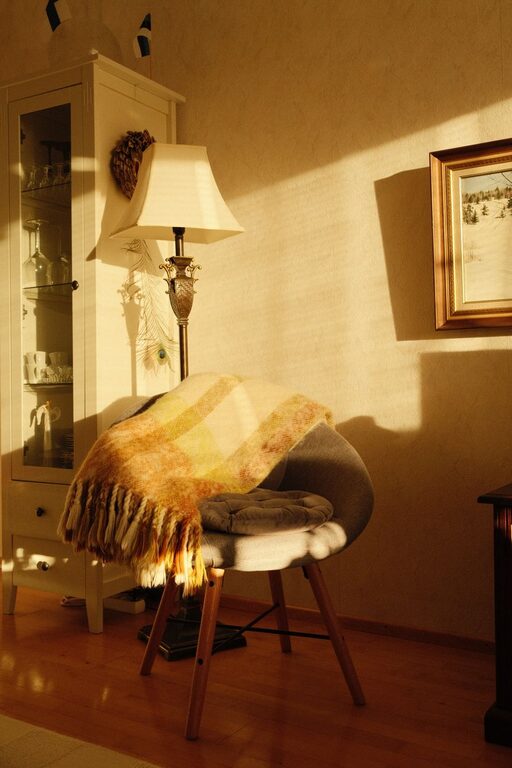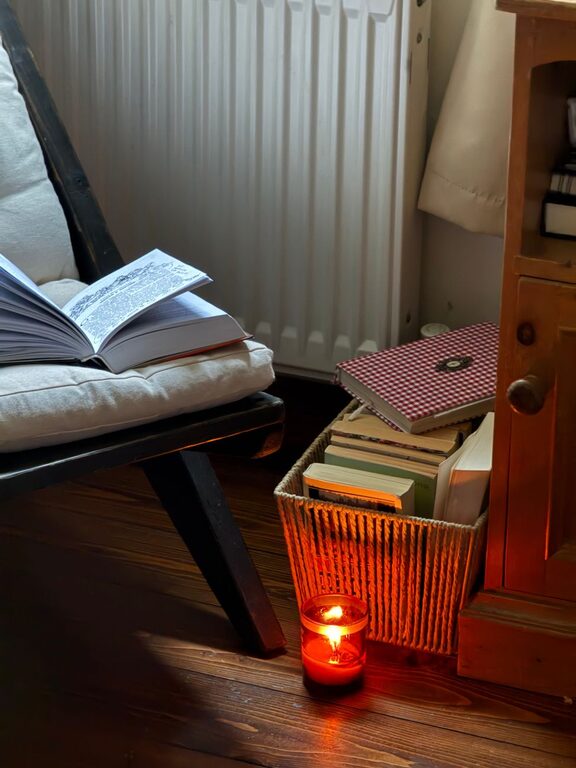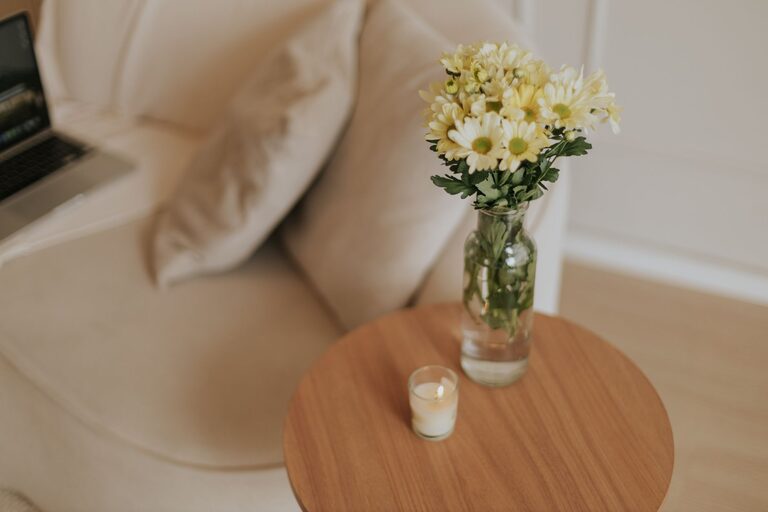
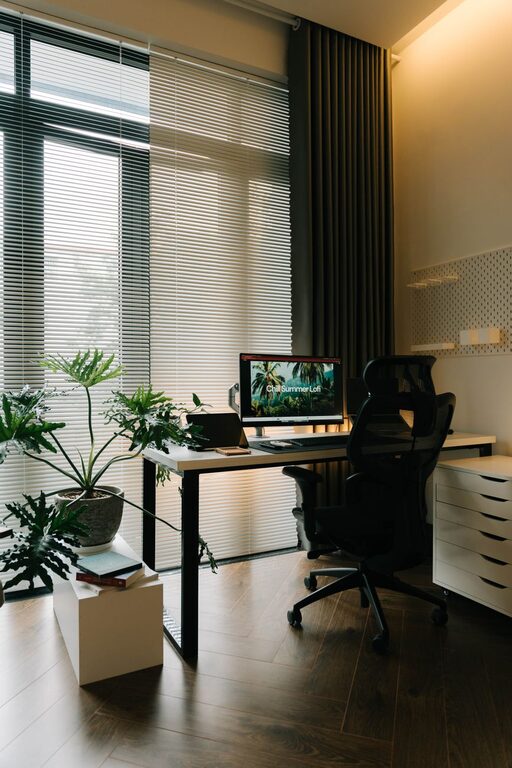
Designing a home office that balances comfort and productivity is essential for anyone working or studying from home. A well-organized and inviting space can improve your focus, reduce stress, and make your workday more enjoyable. Whether you have a dedicated room or just a small corner, these tips will help you create a cozy and efficient home office.
Choose the Right Location
Start by selecting a spot in your home that suits your work habits. Ideally, it should be:
– Quiet and free from distractions: Choose an area away from heavy foot traffic, noisy appliances, or loud family activities.
– Well-lit: Natural light is best for keeping energy and mood up, so a space near a window is perfect. If that’s not possible, invest in good-quality artificial lighting.
– Ventilated: Fresh air can boost concentration, so pick a place where air circulates well.
Invest in Comfortable and Functional Furniture
Your home office furniture directly impacts how productive and comfortable you feel throughout the day.
– Ergonomic chair: Choose a chair that supports your posture, with adjustable height and backrest.
– Desk size: Pick a desk large enough to hold your computer, paperwork, and any other essentials without clutter.
– Storage solutions: Use shelves, drawers, or filing cabinets to keep supplies organized and within reach.
Optimize Lighting
Good lighting reduces eye strain and creates a welcoming ambiance.
– Natural light: Position your desk so that daylight brightens your workspace without causing glare on screens.
– Task lighting: Add a desk lamp with adjustable brightness and direction for focused work.
– Ambient lighting: Use soft overhead lights or floor lamps to fill the room with gentle illumination.
Personalize Your Space
Make your home office feel inviting by adding personal touches that inspire and motivate you.
– Decor: Hang artwork, photos, or motivational quotes on the walls.
– Plants: Indoor plants improve air quality and add a refreshing touch of nature.
– Colors: Choose calming colors like blues or greens, or energizing colors like yellows, depending on your preference.
Keep It Organized
Clutter can distract and create stress. Develop routines to maintain order:
– Declutter regularly: Remove items you don’t use daily.
– Organize paperwork: Use folders or trays to separate documents.
– Cable management: Use clips or cable boxes to keep cords tidy.
Use Technology Wisely
Equip your space with the right technology tools to simplify tasks.
– Reliable internet connection: Essential for online meetings and research.
– Efficient devices: Use a computer and accessories suited to your work needs.
– Productivity apps: Utilize calendars, to-do lists, and note-taking apps to stay on track.
Create Boundaries Between Work and Home Life
It can be easy to blur the lines when working from home. Setting boundaries helps maintain balance.
– Dedicated workspace: Avoid working from the couch or bed to keep work separate from relaxation areas.
– Set work hours: Stick to a schedule to avoid burnout.
– Signal availability: Use signs or notifications to let family members know when you’re working.
Enhance Comfort and Well-being
Pay attention to details that promote comfort and health.
– Temperature control: Keep your office at a comfortable temperature.
– Break area: Have a spot nearby for quick breaks to stretch or relax.
– Hydration and snacks: Keep water and healthy snacks close to stay energized.
Regularly Update and Refresh Your Space
Over time, your needs and tastes may change. Refresh your home office periodically:
– Rearrange furniture for a new look.
– Swap out decor to reflect the seasons or your mood.
– Upgrade technology or furniture if necessary.
Final Thoughts
A cozy and productive home office is achievable with thoughtful planning and consistent upkeep. Whether you have a spacious room or just a nook, focusing on comfort, organization, and personal touches can transform your workspace into a place where work feels natural and enjoyable. Start with a clear plan, stay flexible, and remember that your ideal workspace evolves with you.
About the Author